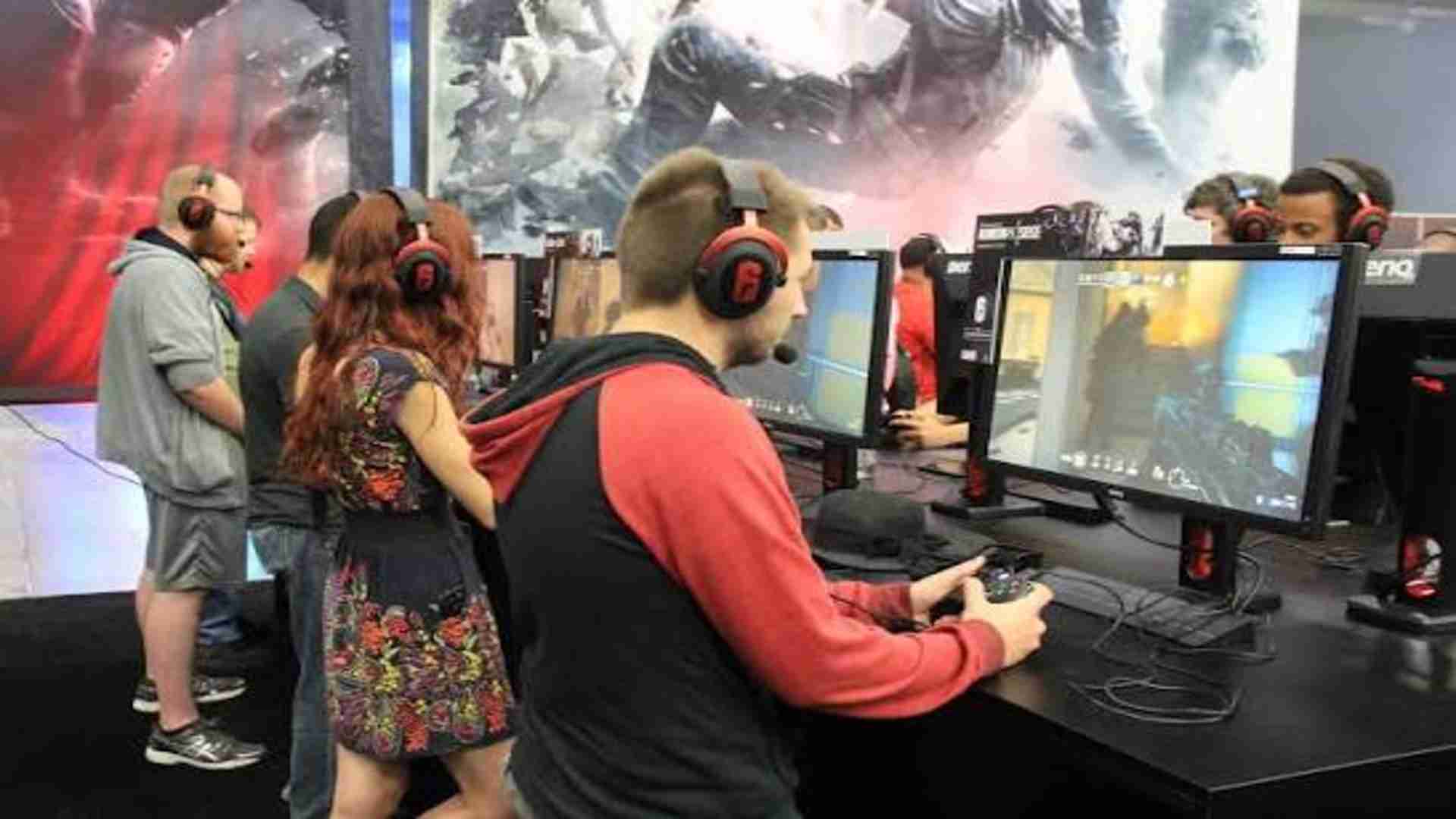
Counter-Strike 2 players frequently encounter frustrating network disruptions that prevent them from joining live tactical matches. One of the most prominent issues reported by the community is the sudden appearance of a notification stating the game cannot communicate with active regional servers. This problem typically kicks players back to the main lobby without any specific explanation or warning signs.
Analyzing the Root Causes of Server Disconnects
This particular connectivity breakdown usually stems from a mismatch between your local game client and the main matchmaking network. Valve frequently pushes backend server updates that require immediate client adjustments to maintain a secure data flow. When these systems fall out of sync, players notice sudden packet loss followed by an abrupt termination of their session.
Local configuration conflicts can also trigger severe data packet blockages during intensive competitive matches. Security software on your computer might accidentally flags the game executable file as an unauthorized network threat. This misunderstanding completely blocks the outgoing data streams necessary to sustain a stable live multiplayer experience.
Essential Network Troubleshooting Steps
Resolving this persistent server interaction issue often begins with a thorough examination of your local network hardware. Power cycling your router and modem can successfully flush out accumulated data corruption that impairs packet routing. This simple mechanical reset re-establishes a clean path to external gaming nodes across the globe.
Switching from a standard wireless setup to a dedicated physical cable can dramatically improve your connection stability. Modern tactical shooters require an extremely consistent stream of network updates to track fast player movements accurately. Eliminating localized signal interference ensures that your computer maintains a reliable bridge to the official matchmaking infrastructure.
Verifying Integrity of Local Game Files
Corrupted installation files represent another common culprit behind unexpected multi-player network rejections. Overwriting old data packages during regular seasonal updates can sometimes introduce minor configuration errors into your local directory. Steam provides an integrated verification utility that scans your storage drive for misplaced or modified gaming components.
Running this platform assessment tool will automatically identify damaged resources and download clean replacement files from the official cloud repository. This process ensures your local client aligns perfectly with the current operational requirements of the live multiplayer landscape. Most enthusiasts find that performing this routine file check completely fixes recurring lobby dropouts.
Adjusting Windows Firewall Permissions
The operating system firewall plays a vital protective role but can occasionally disrupt legitimate gaming connections. You must ensure that the primary game executable file has received explicit permission to communicate through public and private networks. Manually adding the application to your trusted software list eliminates potential communication blockages at the software level.
Temporary administrative adjustments can help you isolate whether deep security protocols are causing the disruption. Disabling restrictive filtering tools during a short test match allows you to pinpoint the exact source of the packet restriction. Restoring standard protections with optimized game rules will keep your operating system safe while ensuring seamless gameplay.